

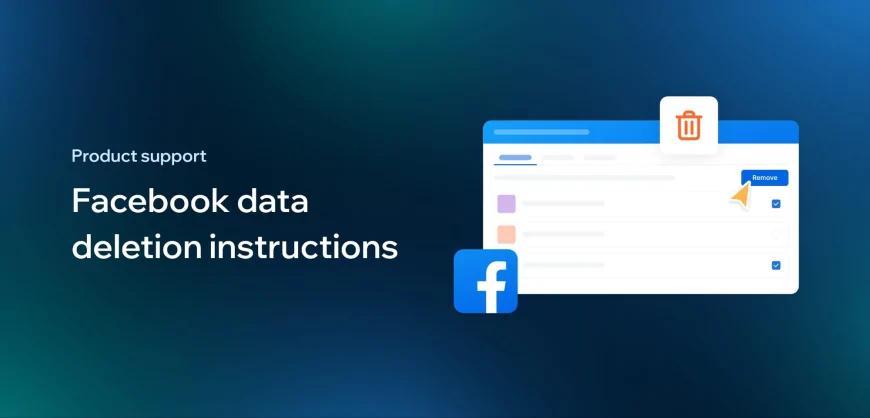
- Go to your Facebook Account's Settings & Privacy. Click Settings.
- Navigate to Apps and Websites to see your active apps.
- Find Epoch Post and click Remove.
- To permanently delete your account data from our servers, please email us at [email protected] with the subject "Data Deletion Request." We will process your request and remove all associated data within 30 days.